-
 Continue reading →: Private Chat or Conversation in Microsoft Teams? When should I use what?
Private Chats or conversations in Microsoft Teams, what’s really the difference? It looks almost identical and it is more or less identical. It is more about the target group and access. The difference can be described as follows.
-
 Continue reading →: Why do you continue to send (and reply to) email?
The times are changing, we as individuals are changing and so are the technology and the tools we use. I’m still using my email client, but it’s mostly about my calendar. Of course, I’m still sending emails, but it’s basically for communication with companies and organizations that don’t yet have…
-
 Continue reading →: Do you find it difficult to have an overview of the Teams and channels that are relevant to you?
Are you a member of many teams? Do you feel you are losing the overview. Do you just want to see what is most relevant to you right now? Then I have the following tips for you. Mark the teams that are relevant to what you work with (today and…
-
 Continue reading →: Don’t let your cloud-based platform be “The Ugly Duckling”.
How do you think about buying a new or upgrading your house? Should you build new or should you buy a used one? Whichever option you choose, the most important thing is that the new house meets the needs and requirements you have. It should be reasonably maintenance free. The…
-
 Continue reading →: Awareness does not hurt but not bothering will cause pain sooner or later.
You brush your teeth every day to avoid getting toothache (and thus expensive and painful dental visits) but do you care for your information and your devices at work just as well to avoid future pain and costs? Can you be sure that your company has taken all necessary steps…
-
 Continue reading →: Forward an email from Outlook into a Channel in a Microsoft Team
To be able to forward an email from Outlook into a Channel in a Microsoft Team is a great feature. It can be used to inform the team members of the content of an email you have received from an external user. Once forwarded into a proper channel the team members can…
-
 Continue reading →: Do not underestimate the power of well-planned and well-performed user adoption
I have been working with Office 365 since it was launched and since then I have been involved in several projects that involve the implementation of Office 365. Some have gone very well, some quite OK and some have gone less well. There is a common denominator for those who…
-
 Continue reading →: Moving Content to Microsoft Teams
Are you going to migrate content to Microsoft Teams from SharePoint on-premises or file shares? Mapping, planning and preparation are usually the activity that require the most effort and time. The physical move doesn’t always have to be so complicated. More details: Overview of the SharePoint Migration Tool. Introducing the…
-
 Continue reading →: Did You implement Office 365 Governance in 2018?
Article (in Swedish) on LinkedIn.
-
 Continue reading →: Using policies in Office 365 in order to retain and/or delete content
Many of us are like squirrels. We collect and store more content than we can/should consume. After some time the content of our Office 365 Tenant becomes a “Content Flea Market”. One of the challenges with a flea market is that it is difficult to get an overview of what…
Hello,
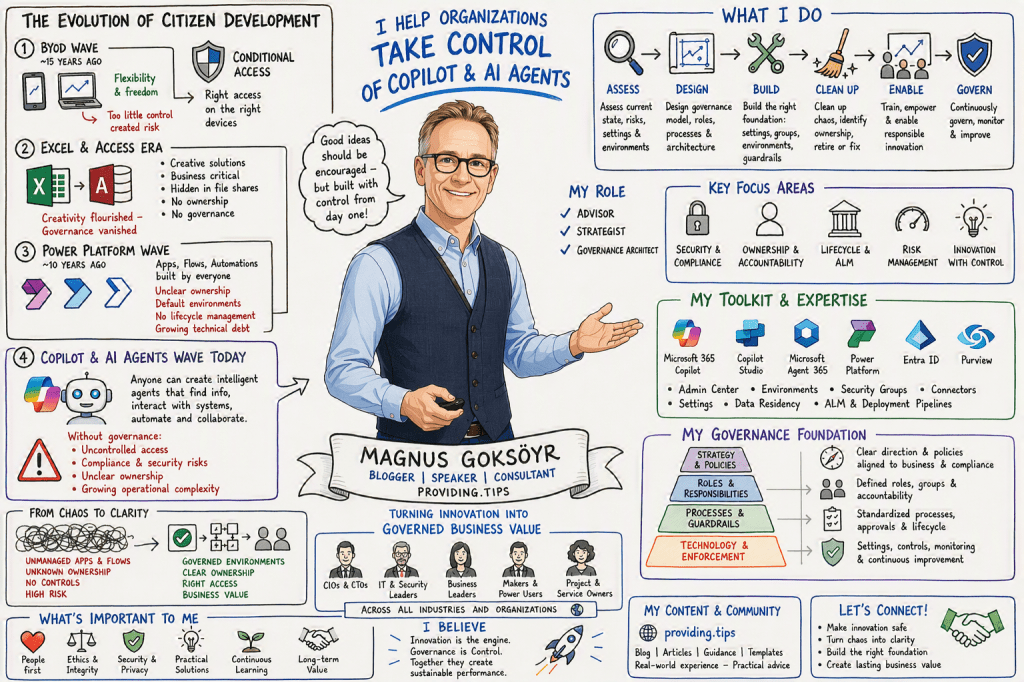
I’m Magnus

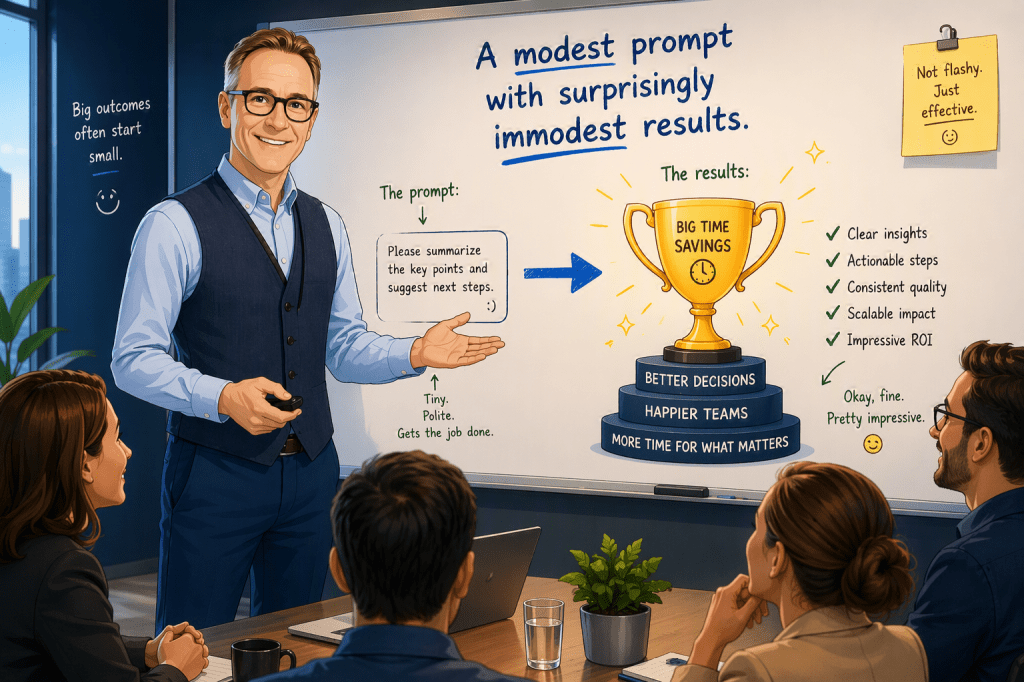
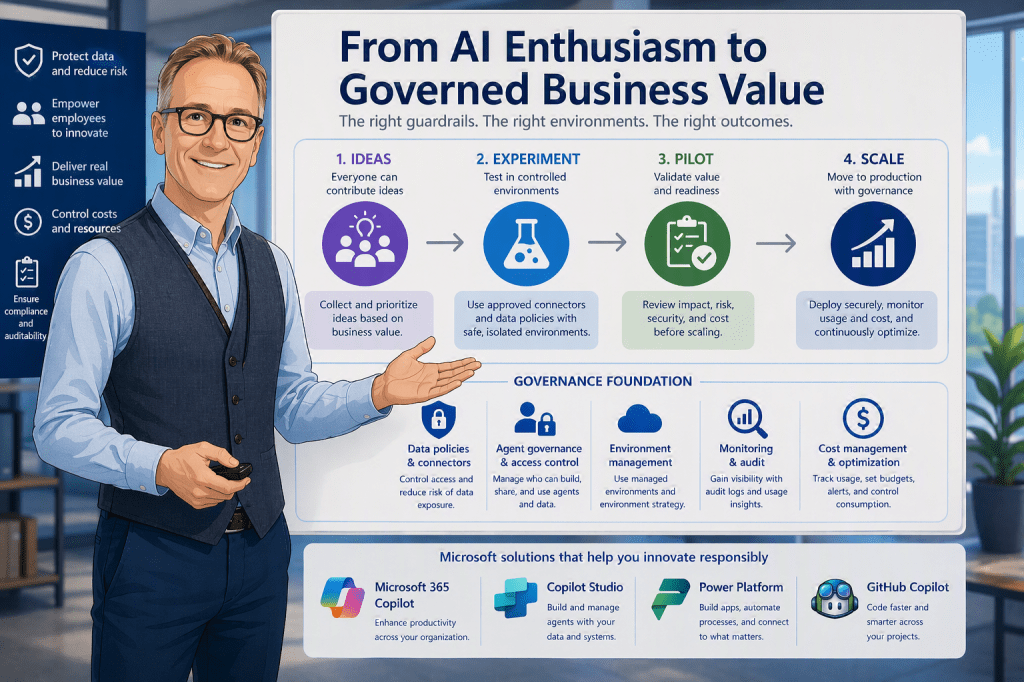
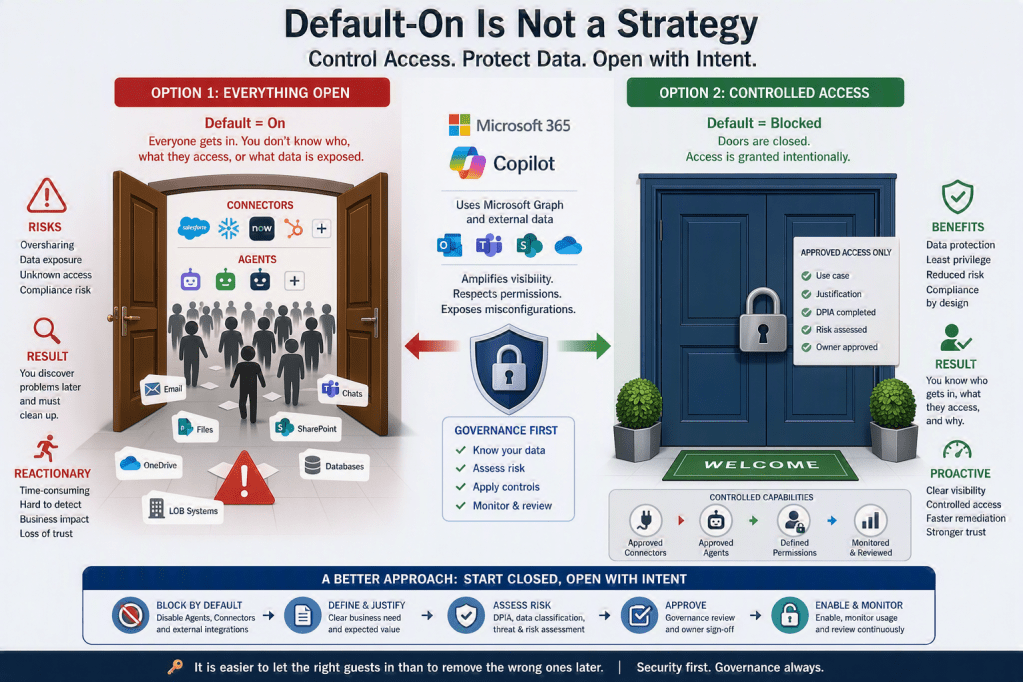
I am the person behind this blog, created to share experiences, insights, news, practical guidance, tips & tricks, constructive feedback, and reviews. While the blog covers most of Microsoft 365, a significant focus is on AI, Microsoft Copilot, security, and the governance frameworks required to use these technologies responsibly and effectively.
I am passionate about exploring, testing, and evaluating new applications, features, and solutions. However, I am equally passionate about understanding how to implement them securely and successfully. For me, technology is not only about innovation and productivity, but also about security, compliance, governance, and risk management. My goal is to help organizations and people maximize the value of Microsoft 365 and AI while ensuring that security, data protection, and responsible adoption remain at the center of every decision.




You must be logged in to post a comment.