-
 Continue reading →: Great Improvement and extended availability of MyAnalytics
I think MyAnalytics is a great tool that provides you with an overview of how you, primary based on Your email/Outlook usage, spend your time at work. By summarizing this information MyAnalytics suggests how you can work “smarter”. Great news for those of us who use Microsoft Teams even more…
-
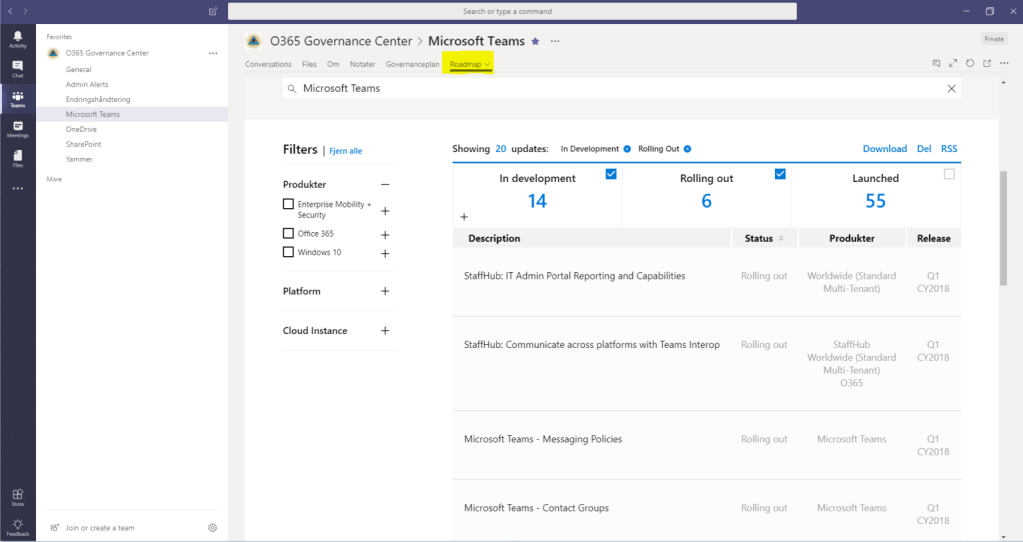 Continue reading →: Simplify your work by using filtered views in the new Microsoft 365 Roadmap to focus on the updates of your core area
Are you one of the “chosen ones” with responsibility to keep track of changes in one or more services in Office 365? Congratulations, then your job has just become a little easier. With the new “Microsoft 365 Roadmap” it is now much easier to create filtered views that show the…
-
 Continue reading →: The unwanted effects of postponing things to tomorrow
It is September 2018. Every morning, I dedicate 15 minutes to update me on Office 365 Roadmap. Today i find that 67 updates are currently being rolled out and 234 that are in development. My thoughts go away (once again) to all companies “out there” and the crew and individuals…
-
 Continue reading →: If you experience that one or more Office 365 services are slow
Do you mount old tires on your new car? Are you buying new shoes and moving over the soles of your old ones? Then you are also likely to run Office 365 with your old, traditional network settings If you experience that one or more Office 365 services are slow,…
-
 Continue reading →: Do you want to be disturbed (but only by some people)?
When you work in Microsoft Teams and your status is set to “do not disturb”, it’s logical that you will not receive any notifications. However, there is a feature that allows you to override this feature. Despite the status “Do not disturb” you can receive notifications from specific (and extra…
-
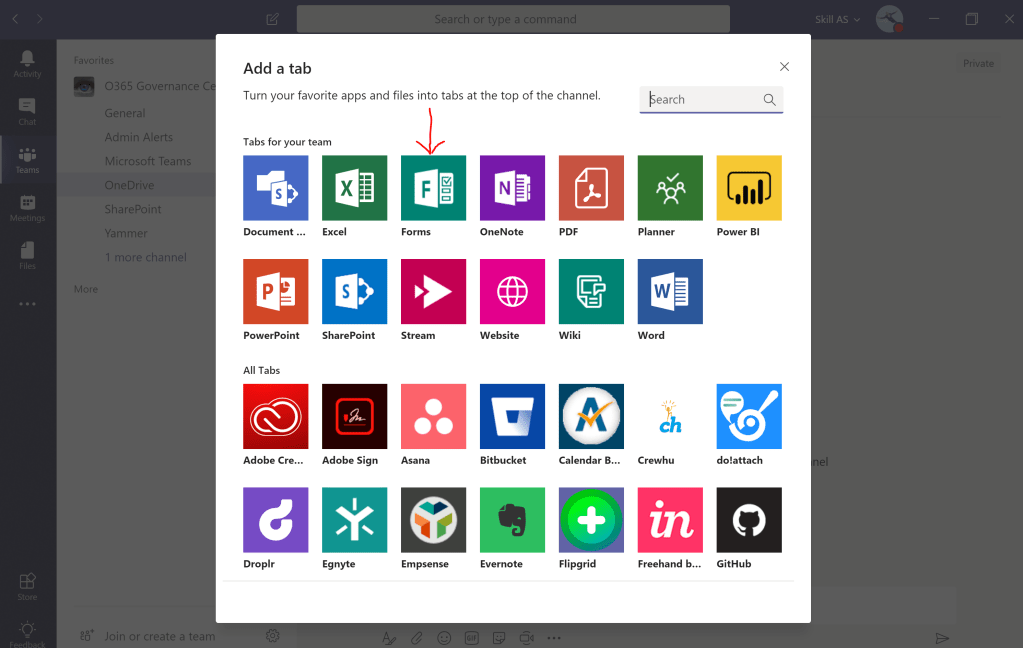 Continue reading →: Microsoft Teams + Microsoft Forms and the beauty in simplicity
Have you thought of how easy it is to combine the strengths of Microsoft Forms and Microsoft Teams when you need to analyze and document the services you use in Microsoft 365? If not then you should read my new article on Microsoft Tech Community: Combine Microsoft Forms and Microsoft Teams…
-
 Continue reading →: Great news for those who work with document management solutions in modern libraries in Sharepoint Online
Content types with office templates in modern libraries in SharePoint Online. Over the years, many of us have used content types to structure and keep track of the documents we work with in document libraries. We have often linked official templates to these content types, sometimes locally in the respective…
-
 Continue reading →: Good morning, your future is already here!
Do you think that artificial intelligence (AI) and machine learning is far in the future, and that it does not apply to you? Imagine technology that: can recognize objects. can recognize faces and facial expressions / feelings can create auto captions in video. can decide where images were taken. can…
-
 Continue reading →: Where to find quick answers to questions about Microsoft Teams
Have you ever experienced challenges and problems with Microsoft Teams and had difficulties finding a solution quickly? Perhaps you have had questions about functionality that your nearest network contacts have not been able to answer? A good source of knowledge that is constantly updated with the most common, and most well-known…
-
Continue reading →: Office 365 update for August 2018
Do not miss the Office 365 Update Series. The August episode is a 10 minute summary where Jim Naroski cover Microsoft Whiteboard, OneDrive, My Analytics Nudges, Kaizala Power BI, Live Events and Workplace Analytics. View the “Office 365 Update August 2018”
Hello,
I’m Magnus

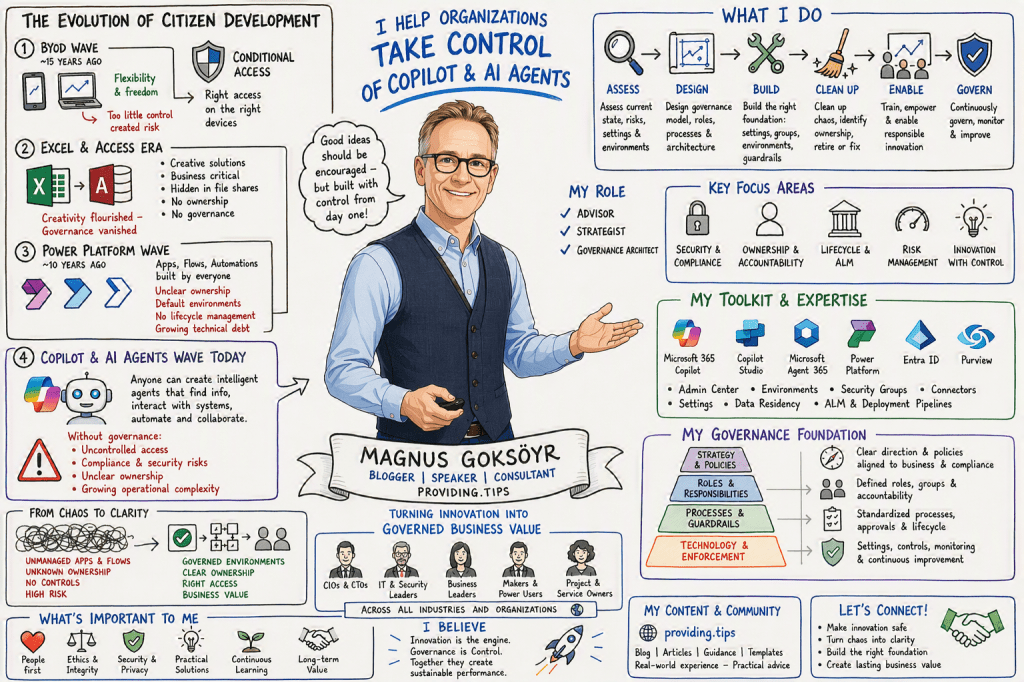
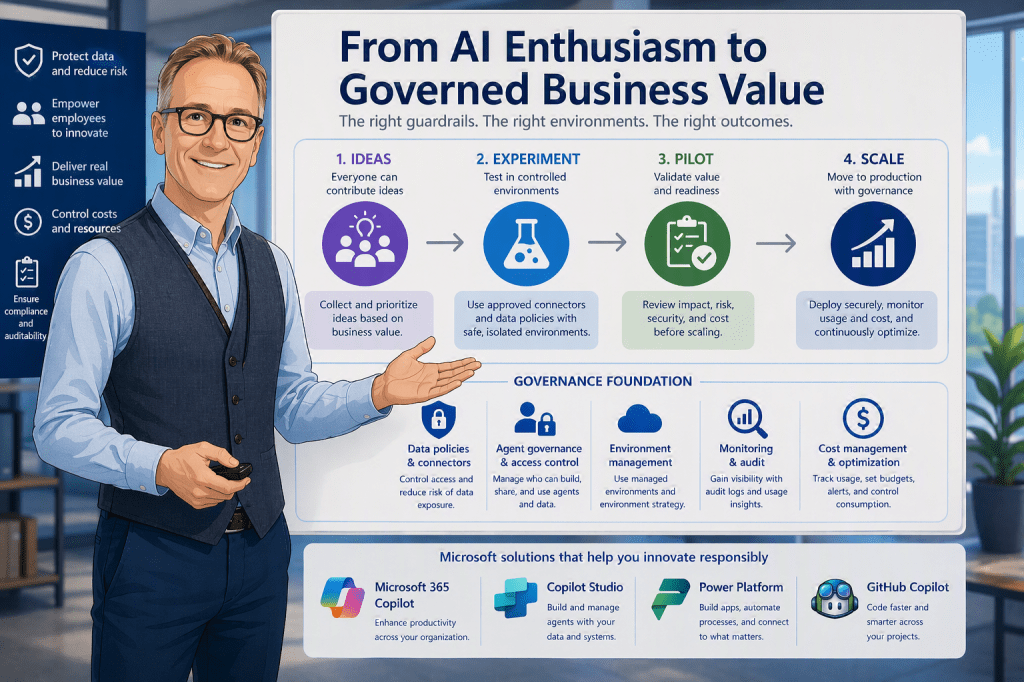
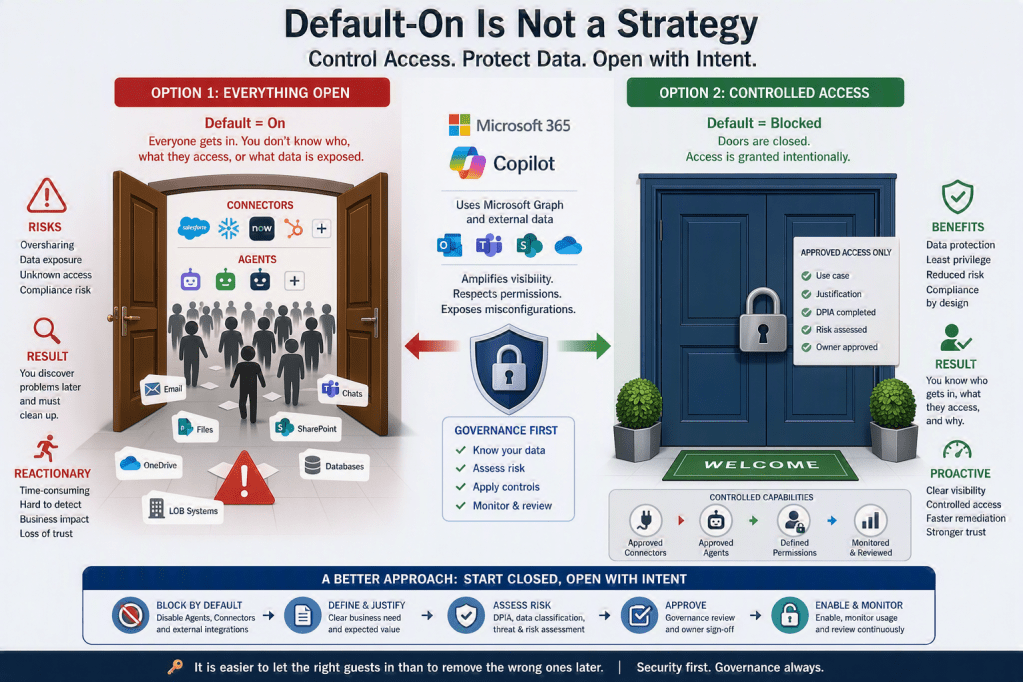
I am the person behind this blog, created to share experiences, insights, news, practical guidance, tips & tricks, constructive feedback, and reviews. While the blog covers most of Microsoft 365, a significant focus is on AI, Microsoft Copilot, security, and the governance frameworks required to use these technologies responsibly and effectively.
I am passionate about exploring, testing, and evaluating new applications, features, and solutions. However, I am equally passionate about understanding how to implement them securely and successfully. For me, technology is not only about innovation and productivity, but also about security, compliance, governance, and risk management. My goal is to help organizations and people maximize the value of Microsoft 365 and AI while ensuring that security, data protection, and responsible adoption remain at the center of every decision.




You must be logged in to post a comment.