-
Continue reading →: Office Roadmap Filter Improvements and new Microsoft 365 Roadmap
As soon as this “Roadmap upgrade” is released, you should customize your “Office 365 Governance Team” with new filtered impressions, thus creating even better order and gaining more control over news and changes in your services. Do not hesitate to contact me if You need help. Keep Yourself updated by…
-
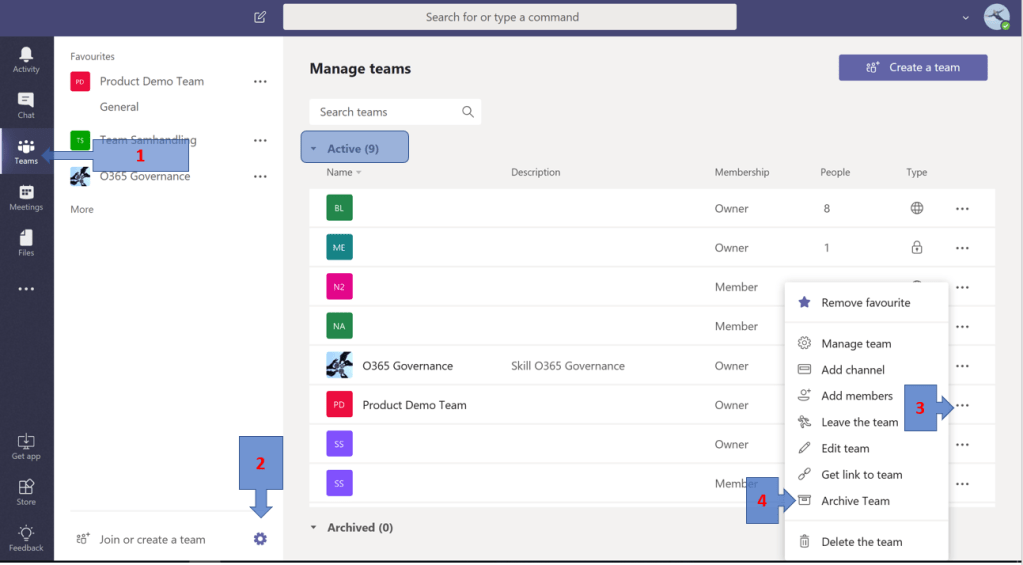 Continue reading →: Do you want to archive a Team? This is how you do it!
If you’ve been using Microsoft Teams for a while now you’ve probably missed the ability to archive those teams that are not active. Ever since I started working with teams, I have missed the opportunity to easily, manually (and without complicated automation and lots of rules) let the owners themselves archive…
-
Continue reading →: Write history by letting the fall of 2018 be the moment you took control!
Does your organization use Office 365? How do you manage to keep up with all changes and news released? How do you handle and exploit all the possibilities of a platform in constant and accelerating change? The Technological Development I guess you are familiar with the old good “Moore’s law”…
-
Continue reading →: How to include the Power BI Adoption Dashboard in your Governance Team
Did You know that you can extend Your Governance Team with a tab showing a Power BI report in order to get good overview/insights of usage and adoption of the various services/workloads using the Office 365 Adoption Content Pack. Read the full article here on Microsoft Tech Community.
-
 Continue reading →: More waffles to the people!
We all love waffles. (Some Norwegians even eats waffles with brown cheese but that is not my point with this post). Did you know that it just became easier to navigate in (the web version of) Microsoft Teams? In the upper left corner you will now find the waffle/App Launcher.…
-
Continue reading →: Integrated PDF services to Office 365
Good progress is taking place within integrations between Adobe Sign and Office 365 products. Some of the goodies: Rich previews of PDF documents right within OneDrive and your SharePoint sites. Select several files and pull into one PDF with just a couple of clicks within SharePoint document libraries. Available in the ribbon…
-
Continue reading →: Keep up with the latest news within Office 365
Do you find it hard to keep up to date on all the news that is continuously launched in Office 365? Of course you are already following the “Office 365 Roadmap” but in addition to that, I recommend “New in Office 365” which is a good and educational source of…
-
Continue reading →: Using Microsoft Forms to manage requests for new Microsoft Teams
In a controlled organization with good control and structure, one wants to be in control of who does what (and why). If you do not want all users to be able to create new teams, it may be nice to get in place a simple ordering feature that manages the order…
-
Continue reading →: How to use Microsoft Teams to manage Office 365 Governance
Previously i posted an article named “What about Governance“. Let us continue on this topic. In this article on Microsoft Tech Community You can get some useful tips on how to get started with Office 365 Governance using Microsoft Teams.
-
Continue reading →: When multiple logins are a problem
A constant recurring issue that I often encounter with many of the companies I work with is that their end users find it annoying that they often have to log in multiple times when they work in Office 365. This also applies to those who have just started using Microsoft…
Hello,
I’m Magnus

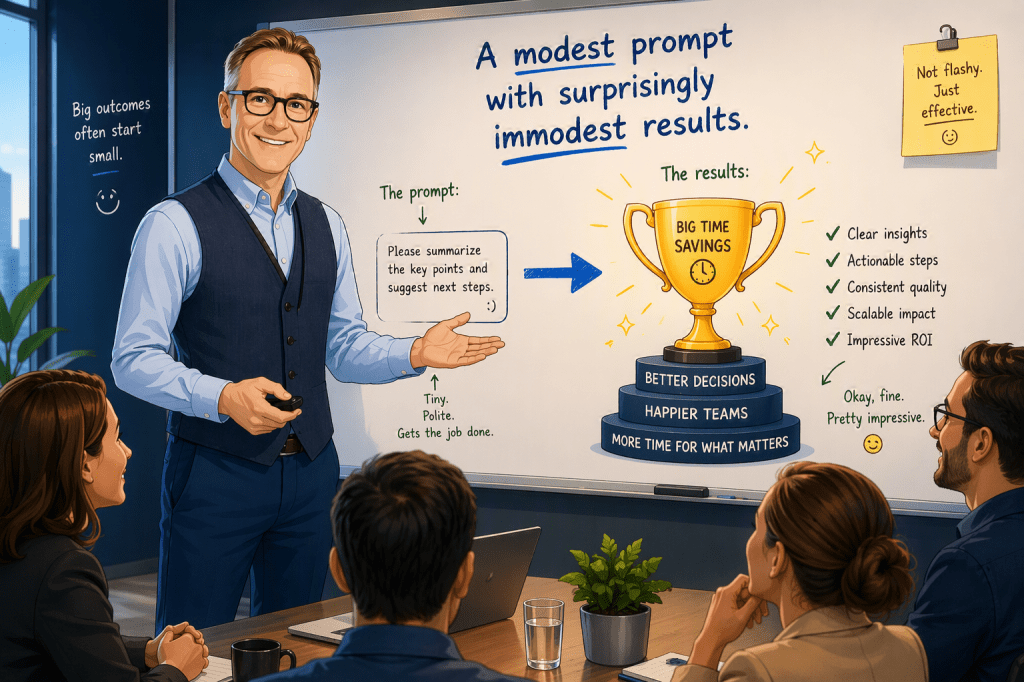
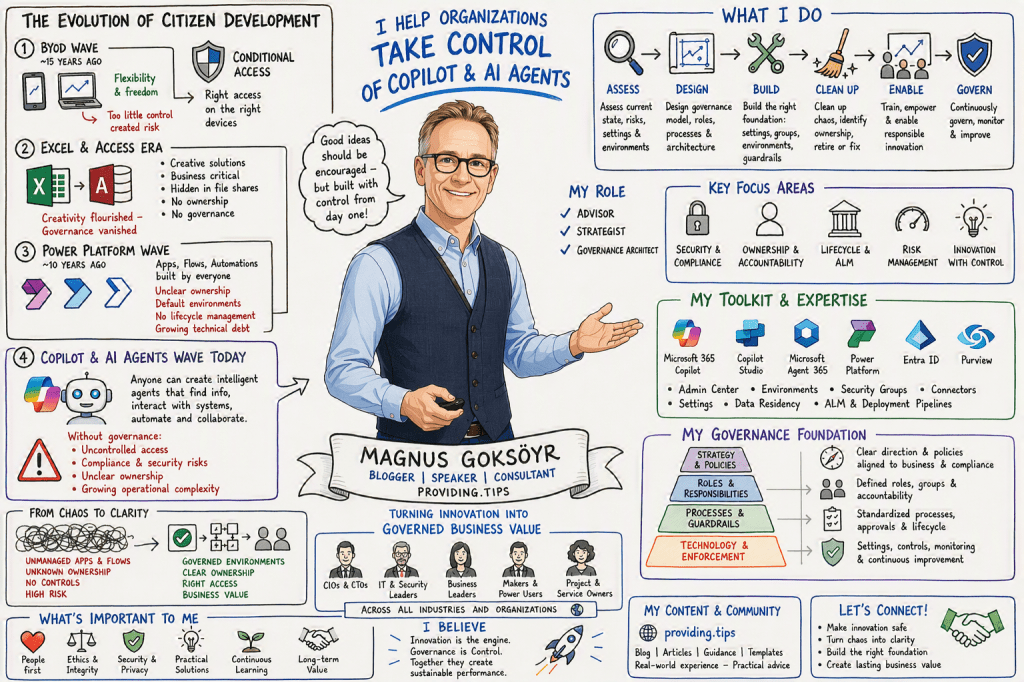
I am the person behind this blog, created to share experiences, insights, news, practical guidance, tips & tricks, constructive feedback, and reviews. While the blog covers most of Microsoft 365, a significant focus is on AI, Microsoft Copilot, security, and the governance frameworks required to use these technologies responsibly and effectively.
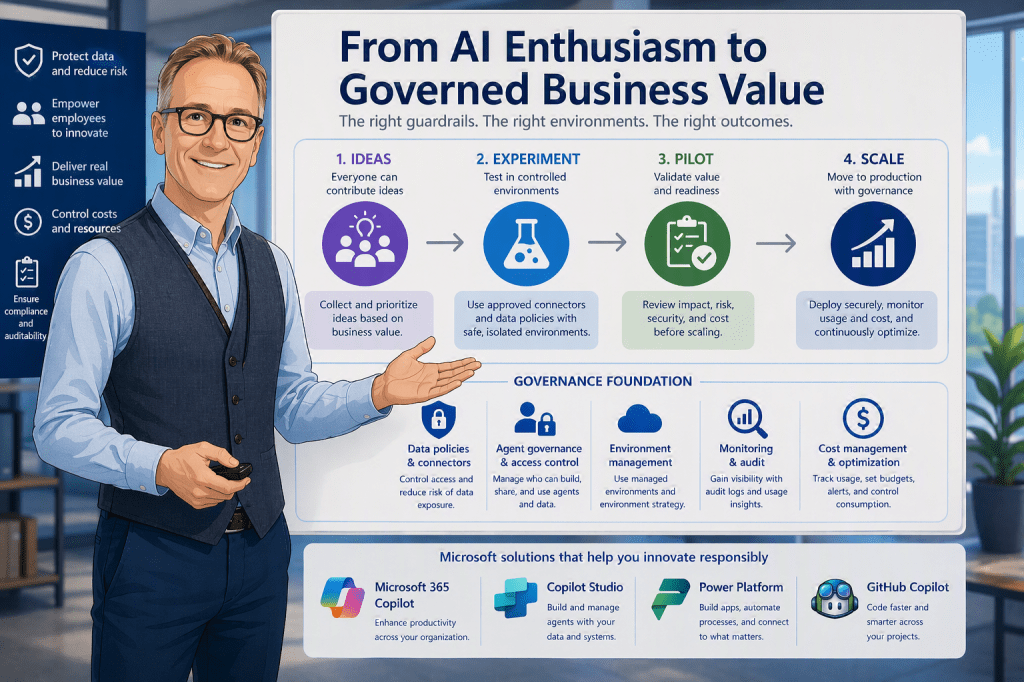
I am passionate about exploring, testing, and evaluating new applications, features, and solutions. However, I am equally passionate about understanding how to implement them securely and successfully. For me, technology is not only about innovation and productivity, but also about security, compliance, governance, and risk management. My goal is to help organizations and people maximize the value of Microsoft 365 and AI while ensuring that security, data protection, and responsible adoption remain at the center of every decision.




You must be logged in to post a comment.