Latest posts
Use Microsoft Teams the right way Part 16 – Getting the Most Out of Teams, Copilot, and Facilitator in Your Meetings
Are You Getting the Most Out of Microsoft Teams, Microsoft Copilot, and Facilitator in Your Meetings? Probably not. Most of us spend a significant amount of time in meetings. At the same time, organisations are investing more in tools such as Microsoft Copilot and Facilitator to improve meeting quality, documentation, and follow-up. However, to get…

Use Microsoft Teams the right way Part 15 –Prompt for: Chat-to-Channel Optimization Review
Want to quickly check if you’re using Microsoft Teams correctly when it comes to communicating with your colleagues? Copy this prompt and paste it into Microsoft 365 Copilot and it will check where you’re communicating and possibly make a recommendation.
Citizen Development Has Leveled Up – Has Your Governance Kept Pace?
I want to start this blog post with an analogy: Do you remember when everyone was talking about Bring Your Own Device (BYOD)? Around 15 years ago, employees started bringing their own smartphones and tablets to work. Remote work became both possible and increasingly popular. The promise was simple: people should be able to use…
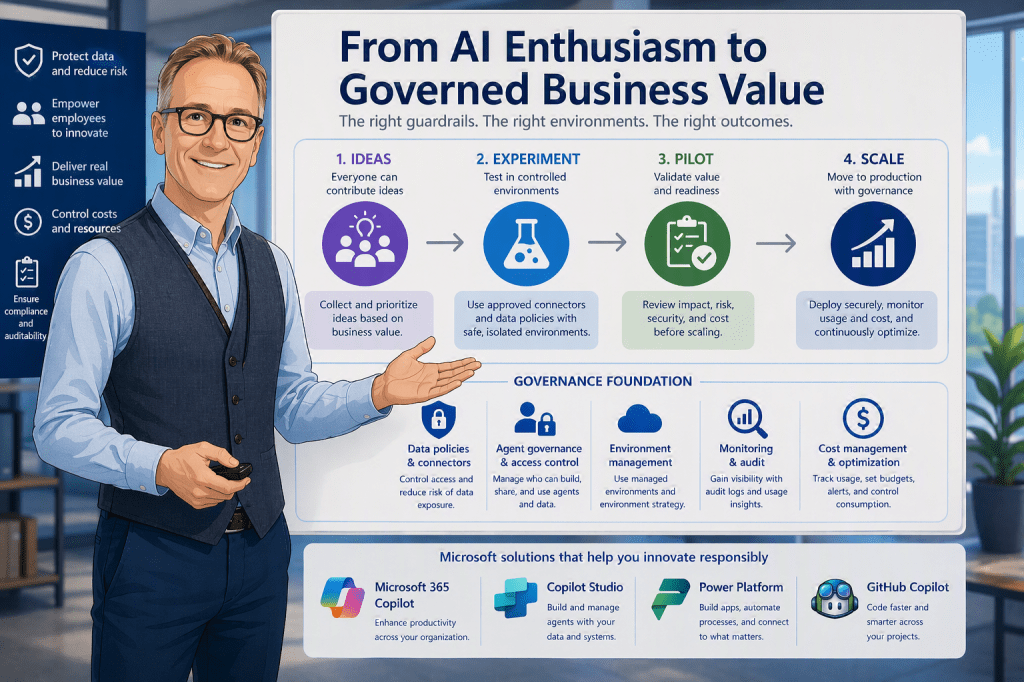
From AI Enthusiasm to Governed Business Value: How Organizations Can Avoid an Expensive AI Playground
AI adoption is no longer limited to specialists. Many organizations now have employees who want to use AI to improve daily work, automate processes, build agents, connect systems, and experiment with new ways of working. That enthusiasm is valuable. But without governance, broad AI experimentation can quickly create challenges around data protection, cost control, ownership,…
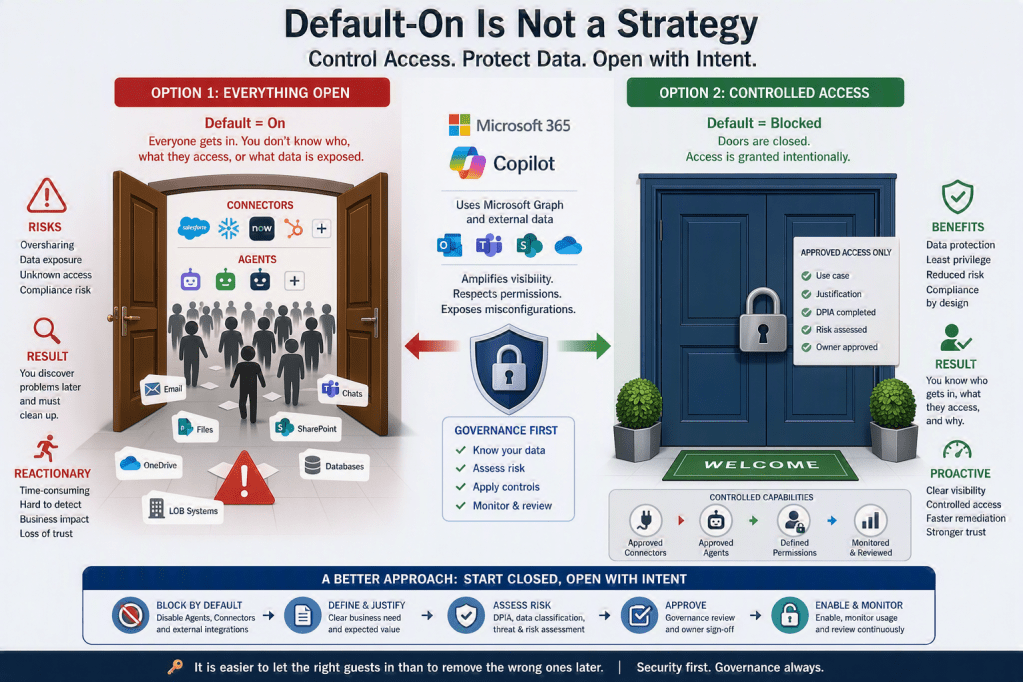
Default-On Is Not a Strategy: Why You Should Block third party Copilot Agents and Connectors Until You Know What You’re Doing
There is a pattern in Microsoft 365: new capabilities—especially around Copilot, Agents, and Connectors—are increasingly rolled out with default = on. On the surface, this makes sense. It accelerates adoption, shortens time-to-value, and helps organizations quickly explore innovation. But if your philosophy is “security first”, this approach introduces a fundamental problem: You are effectively opening…
Something went wrong. Please refresh the page and/or try again.