-
 Continue reading →: A simple solution for requesting new Team apps
Many organizations and companies choose to block Teams apps that do not come directly from Microsoft, but they approve all team apps from Microsoft and these are thus possible for users to add to Teams. A challenge with this approach to success is that users do not know how to…
-
 Continue reading →: Moving team channels is easy (when you know how to do it)
After using a system, solution or tool for a longer period of time, it usually either becomes a bit messy and/or you come up with other structures that you would rather have used. Just think back to how often you moved and reorganized folders back in the day when you…
-
 Continue reading →: A tribute to Yammer (and some thoughtful security considerations)
My opinion on Yammer for intra-company networking Yammer/Viva Engage is an incredibly useful tool for formal and informal internal networks in an organization. Yammer is where If you’ve read this far in this text, you’ve already understood that I’m a big fan of Yammer. I have always been a big…
-
Continue reading →: Best news in a long time! The wiki in Microsoft Teams is (finally) retiring
The wiki in Microsoft Teams has never been very useful. I have used it a few times but only to realize that it is not sufficient. I have instead used the Teams associated OneNote as a good replacement. Now is the time to celebrate! On January 11th, I received the…
-
 Continue reading →: How Santa uses Microsoft Teams to plan for Christmas
Background It’s already October and Christmas is fast approaching. Santa begins to feel sick to his stomach from the annual stress this entails. Considering how big his belly has now become, you can imagine the discomfort he is experiencing. As far back as Santa can remember, he has used paper…
-
 Continue reading →: Don’t miss this year’s edition of the Festive Tech Calendar!
What would a December be without a fun calendar? Don’t miss this year’s edition of the Festive Tech Calendar! On 16 December you can see my contribution. You can see all the contributions day by day here: https://festivetechcalendar.com/ You can also follow the tag #festivetechcalendar2022 on Twitter See You! 🙂
-
Cloud Productivity, Collaboration, Document Collaboration, File shares, Microsoft 365, Microsoft 365 Governance, Microsoft Teams, Modern Workplace, OneDrive for Business, Planning, SharePoint Online, Tips & Tricks, User Adoption
Information structure in Microsoft Teams – Where should I save (and later also find) the documents?
 Continue reading →: Information structure in Microsoft Teams – Where should I save (and later also find) the documents?
In my daily work, I meet far too many companies and organizations that take the information structure too lightly. Sometimes due to lack of time, but sometimes due to carelessness. Either reason will sooner or later lead to chaos and irritated users. In the best case scenario, one has in…
-
 Continue reading →: From Skill to Evidi
What does this actually mean? Many people have contacted me believing that I have changed employers. It is very nice but not entirely true. I have been with Skill on our whole wonderful memorable journey from the establishment until now. This has been a time in my working life that…
-
 Continue reading →: Migration is easy (when you know how to do it)
Most things are easy once you master them. Migration is no exception. Wednesday, October 19, it’s time again for MVP-dagen in Oslo and it is a great pleasure for me to be able to participate and give a presentation here. The title of my session this time is “It’s easy…
-
 Continue reading →: Shared Channels in Microsoft Teams – What do you need to start thinking about now?
Microsoft Teams Connect (Shared Channels) is about to being launched and many are impatiently waiting to use it. I think that Shared Channels will be very useful, and I clearly see its value as you do not have to be a guest in many organizations and change tenant as often…
Hello,
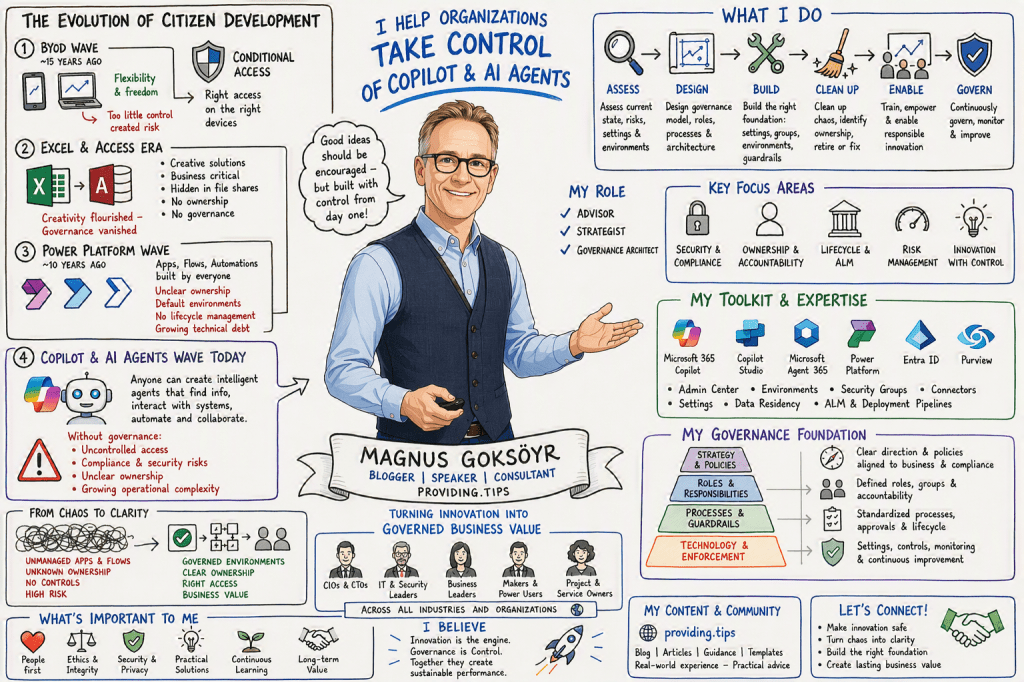
I’m Magnus

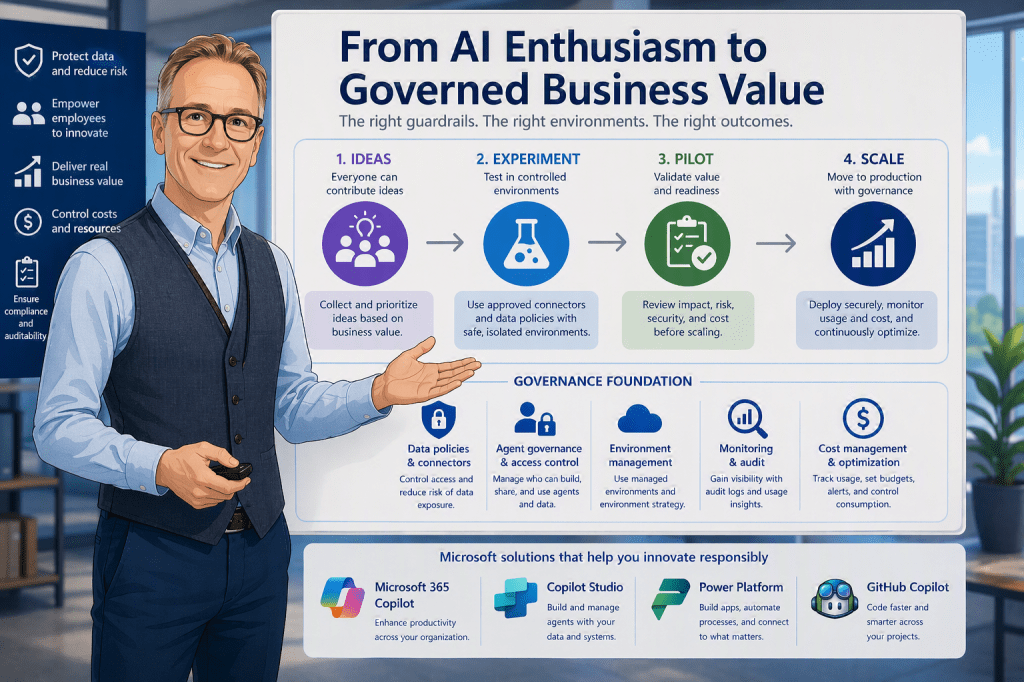
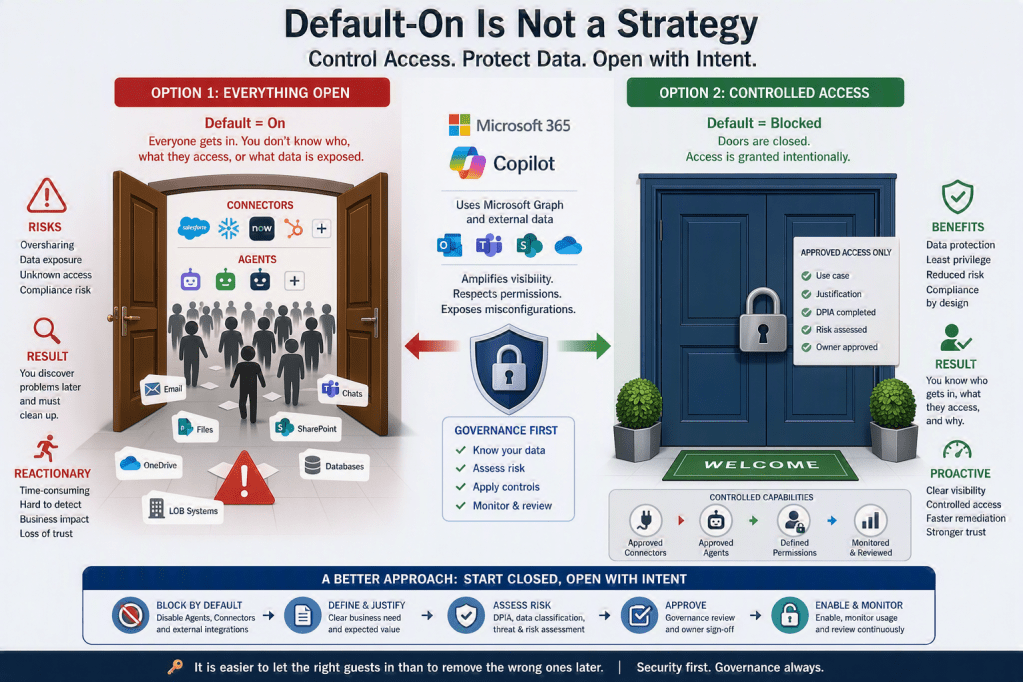
I am the person behind this blog, created to share experiences, insights, news, practical guidance, tips & tricks, constructive feedback, and reviews. While the blog covers most of Microsoft 365, a significant focus is on AI, Microsoft Copilot, security, and the governance frameworks required to use these technologies responsibly and effectively.
I am passionate about exploring, testing, and evaluating new applications, features, and solutions. However, I am equally passionate about understanding how to implement them securely and successfully. For me, technology is not only about innovation and productivity, but also about security, compliance, governance, and risk management. My goal is to help organizations and people maximize the value of Microsoft 365 and AI while ensuring that security, data protection, and responsible adoption remain at the center of every decision.