-
 Continue reading →: My experience of Teams Nation 2024
Teams Nation 2024 is completed and I would like to share my experience of this. Yesterday, Wednesday, February 22, Teams Nation 2024 took place. This was my fourth time and this year I and Daniel Sønstevold were “on stage” together. We had a great and solid Moderator in the form…
-
 Continue reading →: Use Microsoft Teams the right way – Part 3 – Better Teams Meetings when using Channel Meetings
This post is a continuation of the previous post: “Use Microsoft Teams the right way – Part 2 – The key to a good information structure within Teams is relevant channels” A majority of the team meetings that I am invited to are meetings created through “classic” meeting invitations where…
-
Continue reading →: Use Microsoft Teams the right way – Part 2 – The key to a good information structure within Teams is relevant channels
This post is part two of my blog series “Use Microsoft Teams the right way”. In the last post “Use Microsoft Teams the right way – Part 1 – Take control of your Teams“, I wrote about how important it is to have a good general structure on your Teams…
-
Continue reading →: Use Microsoft Teams the right way – Part 1 – Take control of your Teams
I am probably a member of and have access to hundreds of teams. Some teams are located in my organization’s tenant, and there I am either the owner or a member of these teams. Some teams exist in other organizations and then I am invited as a guest in them.…
-
 Continue reading →: My experience of Arctic Cloud Developer Challenge 2024
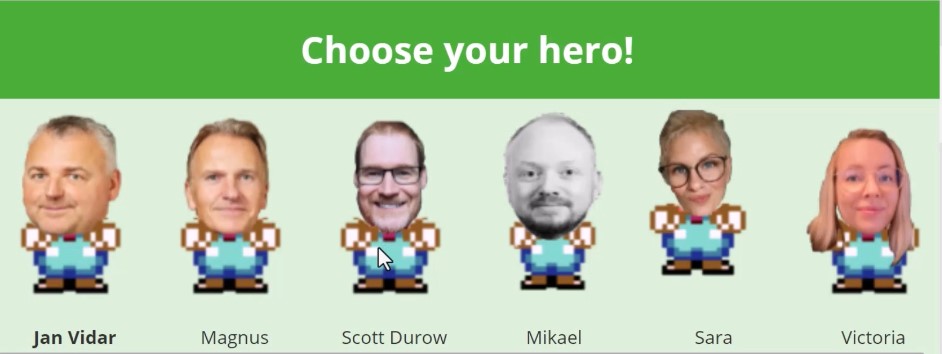
In the fall of 2023, I was asked if I would like to be a judge at a three-day hackathon that would take place in Oslo in February 2024. This was an offer that I could not refuse. At that point, I had no details on what I was actually…
-
Continue reading →: Speaking at Teams Nation 2024
Wednesday 21st February 2024, 09:00 – 19:30 CET (Central European Time) (UTC+1) , it’s time for Teams Nation, one of the biggest highlights of the year for us Microsoft Teams fans. Teams Nation is a 100% free, 100% community driven online conference dedicated to Microsoft Teams, it’s underlying technologies and…
-
 Continue reading →: Wise men say “only fools rush in”
Most of us have hoped but not really dared to believe that yesterday’s news “Bringing the full power of Copilot to more people and businesses” would come already now, but yesterday’s news struck like a bolt from the blue. This announcement includes Microsoft “Expanding Copilot for Microsoft 365 to businesses…
-
Continue reading →: Santa’s preparation to become Microsoft 365 Copilot Ready
From Glühwein Guzzler to Green Tea Guru, Jolly Old Athlete and Tech Titan On New Year’s Eve last year, Santa Claus made a promise. Through all years he had been known for his jolly demeanor and love for glühwein, but now he decided to make a change. He realized that…
-
 Continue reading →: Welcome to Amplify, the newest member of the Microsoft Viva family
Microsoft Viva Amplify is quite a dream for your communications department. With “Microsoft Viva Amplify“, your Corporate communicators, who must be able to reach all of the organization’s employees, can carry out internal communication campaigns and publish the information via various information channels (e.g. Teams and Outlook and soon Viva…
-
 Continue reading →: Goodbye to Microsoft Teams Live Events and welcome to Town Hall
On September 28, Microsoft announced that Microsoft Teams Live Events is being retired and replaced with Town Hall. Town Hall is rolling out and will be available starting October 5th. Those of you who use Teams Live Events today do not need to worry about your current plans and events.…
Hello,
I’m Magnus

I am the one who runs this blog whose purpose is to spread and share experiences, wisdom, news, information, good advice, tips & tricks, constructive feedback and reviews. All of this related, in one way or another, to Microsoft 365 in general and Microsoft Teams in particular.
I am passionate about testing and evaluating new applications, functionality and solutions, but I am just as passionate about ensuring how to put it to use in the right way.







 Providing Tips