I myself (and probably many of you) are working hard to get a full overview and actually understand how to establish Governance of Copilot agents. Common questions are:
- “Who should be allowed to create agents?”
- “Which agents should be available?”
- “How should we build agents?”
- “With what tools should we build agents?”
- “Where are different types of agents stored?”
- “How, where and to whom should we publish agents?”
- “What should the agents be allowed to do?”
- “Which agents are in our organization today and who has access to them?”
- “Which development and use of agents triggers different types of costs?”.
The questions are many and the answers are also many (and often varying). Agent Governance is and will become a unique expertise of its own and you should be careful about calling yourself an expert in this area because there is news coming all the time.
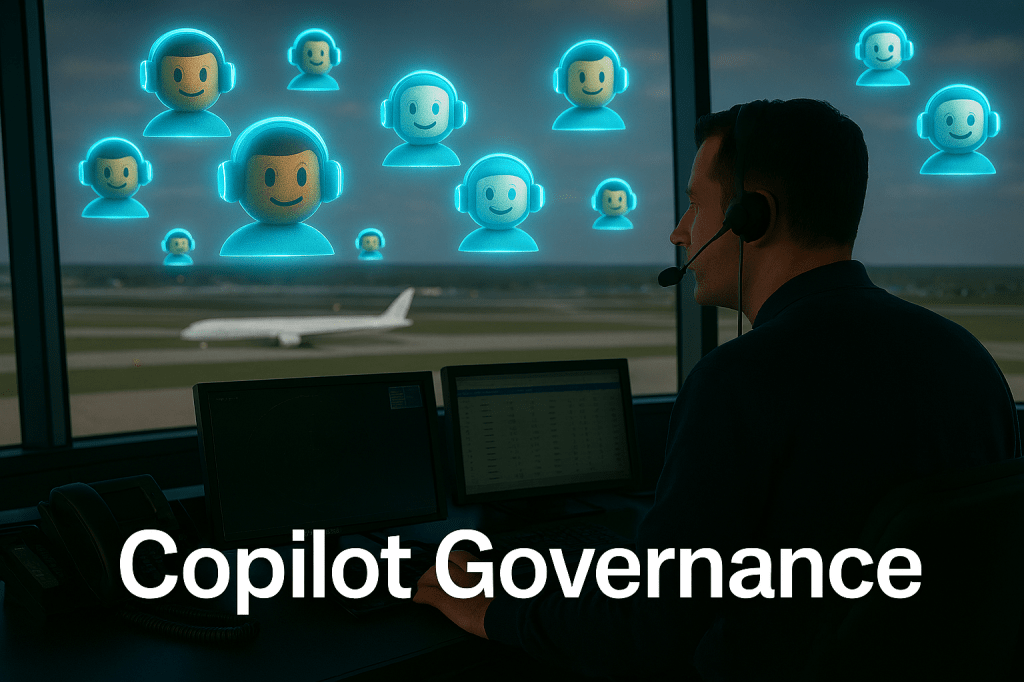
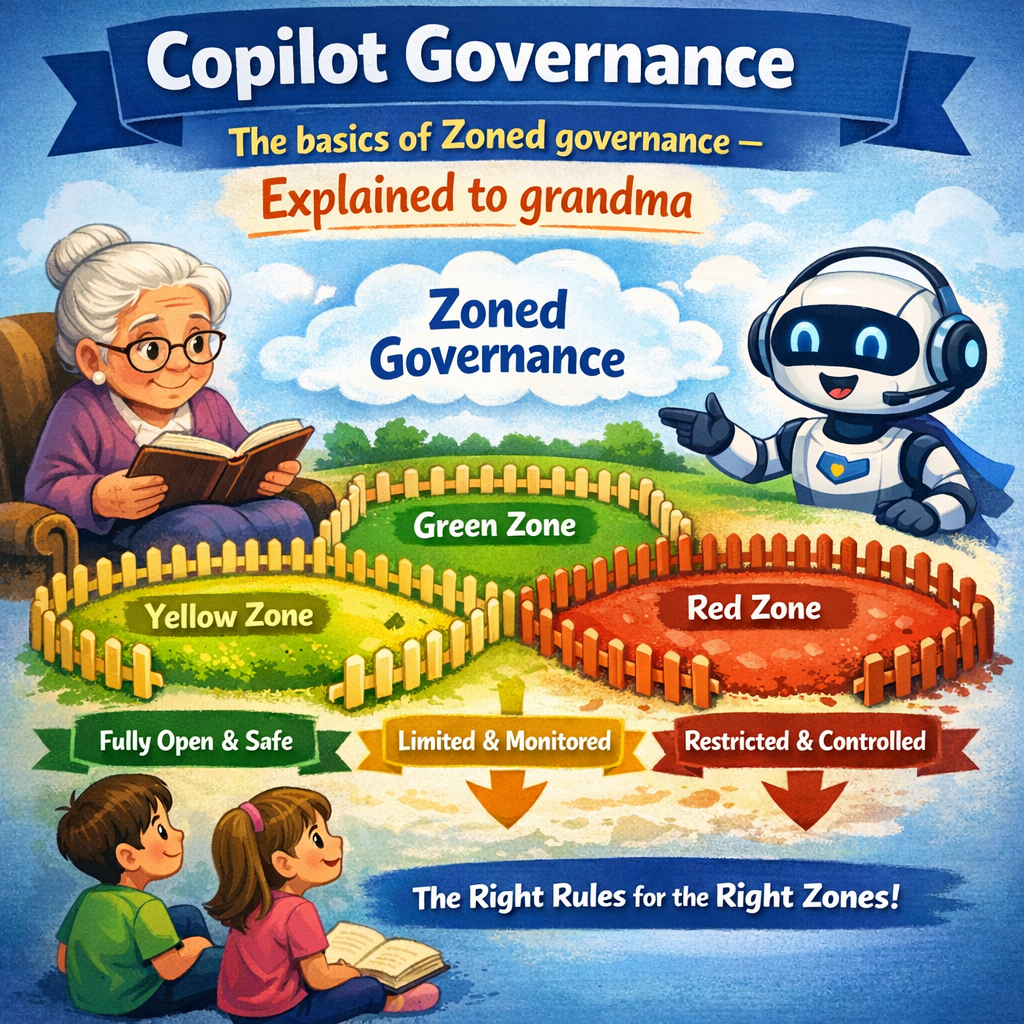
A new feature in Microsoft 365 that we can soon take advantage of to get a better overview and easier administration options is “Agent 365“. It doesn’t solve everything (yet anyway) but it will be a great help. With the constant flow of updates and news in AI and Copilot today, I often feel like a grandfather or grandmother (albeit a very youthful one). I therefore asked Copilot to summarize Agent 365 in a way that my grandmother (and/or grandfather) would understand what this is all about. Hopefully this summary also helps you get an overview of what Agent 365 actually is. 👇
Dear grandma,
You’ve heard me talk about AI several times and how it’s spreading and increasing in all contexts. Yes, it can be scary if (when) it’s used the wrong way, but as I told you before, it can also be very useful when used the right way within companies and organizations.
Imagine that you have many little “helpers” (AI agents) that do things for you on your computer – they can write emails, find information or arrange meetings. These helpers will become common in the future, and there will be a lot of them.
But if all these helpers run around without control, it can (and will) be chaotic – and dangerous. That’s why Microsoft has created Agent 365, which is like a “control tower” for all these helpers.
Imagine, as an analogy, if you were Santa Claus and had lots of elves/gnomes helping you with all the activities and preparations for Christmas. You want to be sure that you have control over all the elves/gnomes and that they do everything they are supposed to do and, not least, that you can trust them.
So, dear grandma, what does Agent 365 do?
Keeps track of the helpers
It creates a list of all the helpers, so you know who is there and who shouldn’t be there.
Gives the right keys
Each helper gets their own key and can only enter the rooms they need. No one can snoop around.
Shows what’s happening
You get a map and reports that show what the helpers are doing, and whether they’re doing their job.
Get them to collaborate
Helpers can use Word, Excel, and other programs, and they can talk to each other securely.
Keeps everything safe
Agent 365 makes sure no one hacks in, and no helper takes secrets out where they shouldn’t. (What if the Grinch found out about these secrets?)
Why is this good?
It allows businesses and organizations to use many AI helpers without losing control. Everything becomes safer, easier, and more organized.





 Providing Tips
Leave a comment