The wiki in Microsoft Teams has never been very useful. I have used it a few times but only to realize that it is not sufficient. I have instead used the Teams associated OneNote as a good replacement.

Now is the time to celebrate!

Photo by SKYLAKE STUDIO on Unsplash

On January 11th, I received the following good news from the Microsoft 365 Message Center.

Image source: MC496248 in Microsoft 365 Message Center

But what should you use instead?

Do as I have done (and still do). Use your Teams OneNote instead! You can read more about how to use OneNote in Teams here: Add a OneNote notebook to Teams.
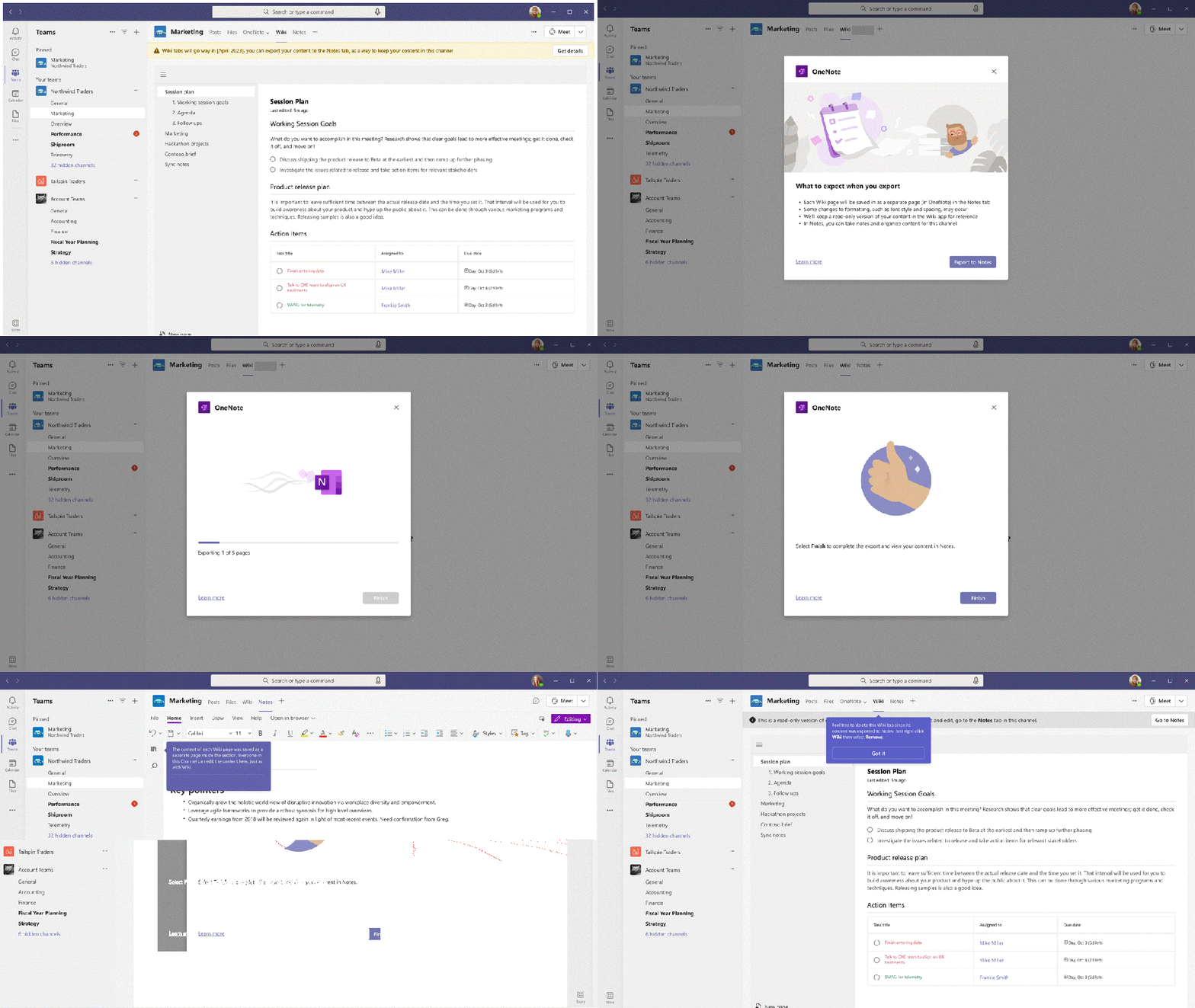

Image source: MC496248 in Microsoft 365 Message Center

Leave a comment

This site uses Akismet to reduce spam. Learn how your comment data is processed.

I’m Magnus

I am the one who runs this blog whose purpose is to spread and share experiences, wisdom, news, information, good advice, tips & tricks, constructive feedback and reviews. All of this related, in one way or another, to Microsoft 365 in general and Microsoft Teams in particular.

I am passionate about testing and evaluating new applications, functionality and solutions, but I am just as passionate about ensuring how to put it to use in the right way.