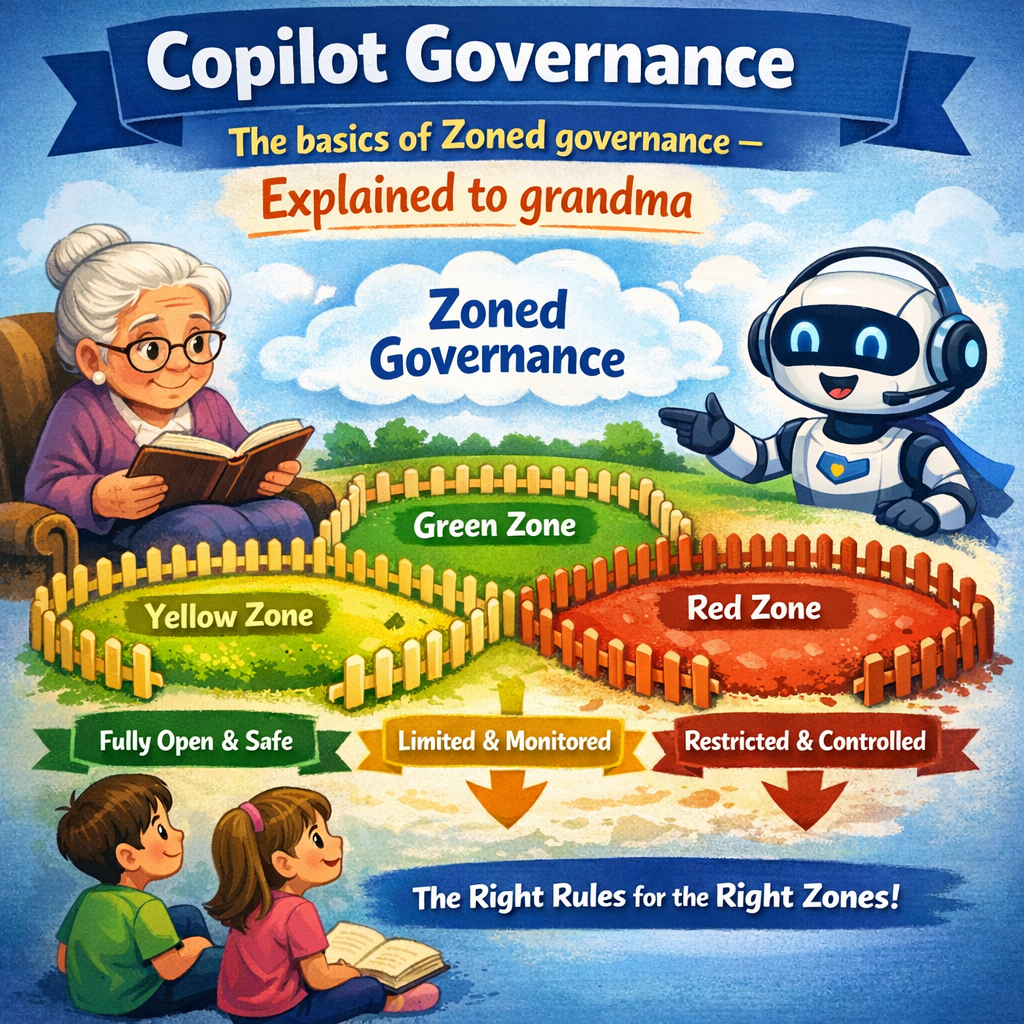
Dear Grandma. In my last post on the topic of Copilot Agent Governance, I explained to you what Agent 365 is and what its benefits are. This time I wanted to introduce you to the concept of Zoned Governance. I know it sounds complicated, but I will try to explain it as simply as possible to you.
Do you remember the small helpers i told you about last time? Imagine a company that uses these small “helper robots” (digital assistants) that answer questions, find information, and help employees with daily tasks. Microsoft Copilot Studio is the place where these little helpers are created. When many people in a company create and use these helpers, the company needs safety, control, and good organization — just like at home when you want things to stay tidy and secure.
Microsoft recommends organizing this using something they call “zoned governance.” You can think of it like having three different rooms in your house, each with its own rules. It’s all about safety, order, and reliability — just like having the right locks, tidy rooms, and clear rules at home.
Let us say that we divide the house into three rooms so people can create smart helpers safely. One room is for simple play, one for more serious work, and one for experts. This keeps everything safe, organized, and prevents information from ending up in the wrong hands.”
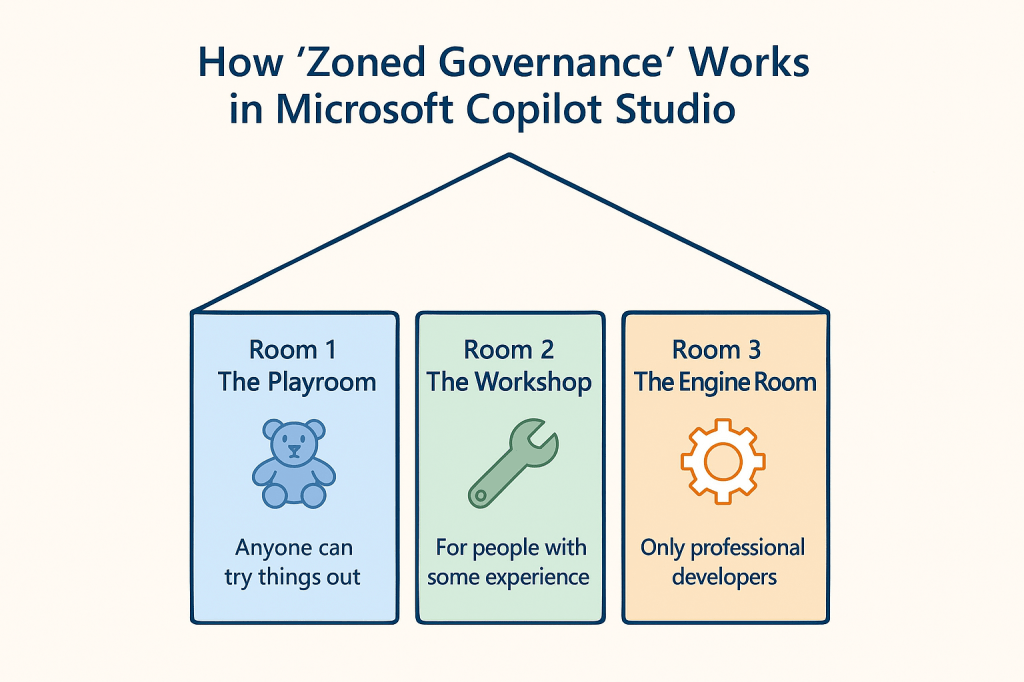
Room 1 – “The Playroom” (This is safe, low‑risk experimenting.)
- Anyone can try things out here.
- People can create simple, safe helpers using only information they already have access to.
- Nothing is shared widely — everything stays private.
Room 2 – “The Workshop” (This room requires more oversight and structure.)
- This room is for people with some experience.
- They build helpers for teams or departments.
- IT reviews, approves, and sets rules.
- Helpers here can access more advanced systems, but always under supervision.
Room 3 – “The Engine Room” (This is where the “serious work” happens.)
- Only professional developers and IT staff work here.
- They build the most advanced and business‑critical helpers.
- The strictest security and quality rules apply.
So, Dear Grandma,
I hope everything we talked about was easy to understand, and that it all made sense to you. The most important thing is that you feel comfortable and confident with what we discussed.
We’ll see each other again soon, and then we can talk a little more about Copilot and Governance in a calm and simple way — completely at your pace. ❤️








 Providing Tips
Leave a comment