
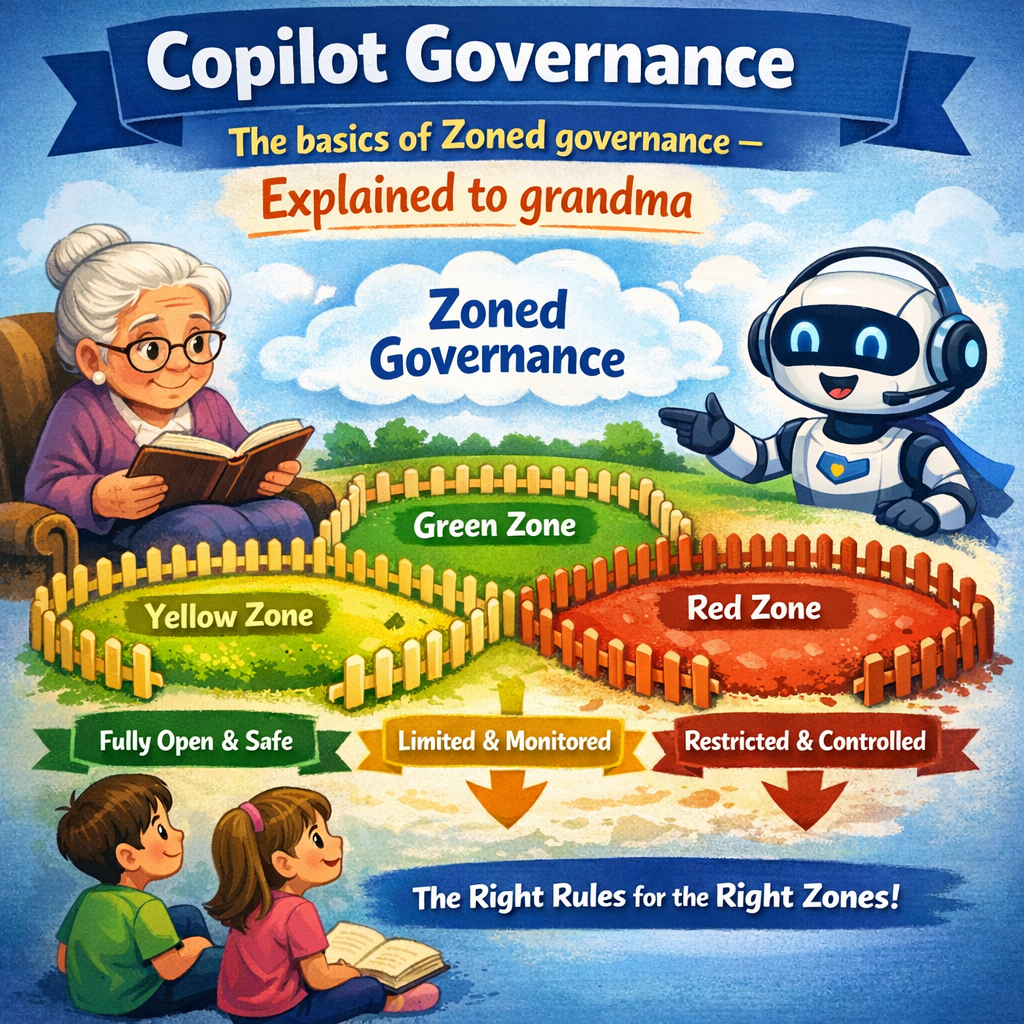
Before you start building agents, it is of utmost importance that you have established good Microsoft 365 Governance. This is important to have control over access rights, information relevance, and that the information is stored and secured in its correct context. This makes it easier and safer for you as a user, and it also makes it easier and safer for Copilot and your agents. But don’t think that having good governance of Microsoft 365 is enough. You also need to have good governance of Power Platform.
It cannot be emphasized enough how important it is and will be to have good control over the Governance of Power Platform before you start building mission-critical Copilot Agents that will be rolled out to all or large parts of the organization. One of the things that is important then is to have control over Standard- and Premium Connectors. This is as important as it is obvious from both a security perspective and a licensing/cost perspective.
As you may already know and have struggled with, it has been complicated to manage which connectors should be blocked or not. BUT with “The new connector management rule” it is now/will be possible to easily control which Connectors are available in different Power Platform environments (or more correctly, different Environment Groups). This is important to have control over, not least when it comes to the Environments (in Power Platform Admin Center) in which Copilot agents will be developed and run, but it also applies to Power Automate-flows in general. In short, with this new functionality, there are a few Connectors available by default, but you can easily add more connectors from a list as needed and after considering the benefits/costs and security.
Copilot Governance and Power Platform Governance must be in place before you start building “real” agents with Copilot Studio. I’ll be back with more posts on this topic soon.







 Providing Tips
Leave a comment